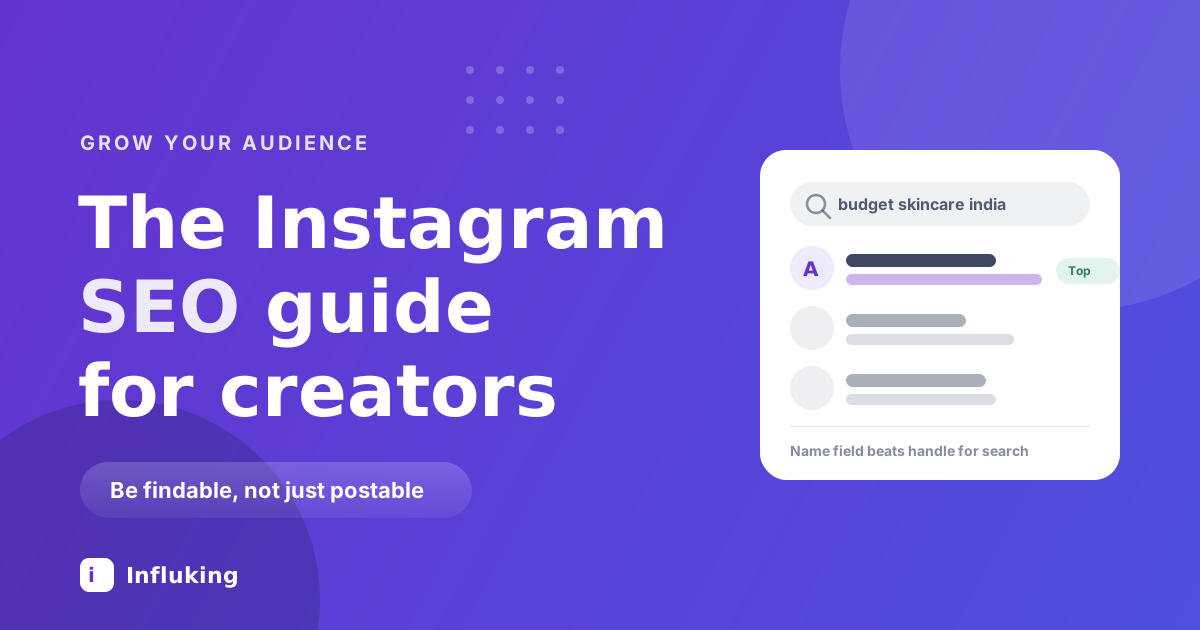
A post used to have a lifespan of about two days. It appeared, it got its reach, it disappeared. Instagram SEO is the reason that changed. When the platform can read your captions, your on-screen text and your profile fields, a good post keeps surfacing for people typing that topic into the search bar, months after you forgot about it.
This is the least crowded opportunity on Instagram right now, mostly because so many creators still write captions like diary entries and put nothing but their name in the name field.
What Instagram SEO means
It is the practice of making your account and posts findable through search rather than through the feed. Same idea as Google SEO, smaller surface area: you are optimising for the queries people type into the Instagram search bar.
Two things made this worth doing. Instagram improved keyword search, so results now come from the actual content of posts rather than only from hashtags and account names. And a lot of people, younger users especially, now search Instagram and TikTok for things they would once have googled: restaurants, product reviews, how to do something, what a place looks like.
Feed reach is a spike that decays. Search reach is a trickle that does not. You want both.
What Instagram can actually read
Before optimising anything, know what the search system has access to:
- Your name field, the display name above your bio. This is the single most weighted searchable field on a profile.
- Your username.
- Your bio text.
- Captions, in full.
- Text on screen in Reels, which is read automatically.
- Spoken words, through automatic transcription.
- Alt text on images, both what you write and what Instagram generates.
- Location tags and account category.
- Hashtags, as a weak topic hint. Much weaker than the rest of this list, as covered in our post on how hashtags work now.
Everything below is about filling those fields with words a real person would type.
Fix your profile first
This takes twenty minutes and affects every search for the rest of your account's life.
- Name field. Put your topic in it, not just your name. "Priya Sharma" is invisible to search. "Priya | budget skincare" surfaces when people search skincare. You get about 30 characters, so spend them on the words your audience would use.
- Username. If you are choosing one, a keyword in the handle helps a little. If you already have an established handle, do not change it. Broken links and lost recognition cost more than the small search gain.
- Bio. Write who you help and what you post, in plain words. It is indexed, so "I test drugstore skincare for oily and acne-prone skin in India" works harder than a quote and three emojis.
- Category. Professional accounts pick a category. Choose the accurate one, since it feeds how Instagram classifies you.
- Location. If you serve a place, say the place. Local intent is one of the strongest search behaviours there is.
One caution: write these for humans. "Skincare skincare tips skincare routine India skincare" reads as spam to both people and the ranking system, and the profile is where a stranger decides whether to follow you.
Write captions people would search
Your first line should say what the post is about, in the words someone would type. Not "obsessed with this one" but "how to layer sunscreen under makeup without pilling".
A few habits that make captions do double duty:
- Front-load the topic. The opening line is what gets truncated last and read first.
- Use natural phrasing. Write the question your audience asks, then answer it. Search queries are questions.
- Include the specifics. Product names, place names, prices, the actual technique. Specific words are searchable words, and vague ones are not.
- Repeat the key phrase once, naturally. Once in the caption, once on screen, once out loud is plenty. Stuffing it five times does nothing good.
- Skip the keyword lists. A block of comma-separated terms at the end of a caption looks exactly like what it is.
Make your Reels searchable
Reels are where most search discovery happens, because there are more of them and because they carry more readable signal than a photo.
- Say the topic out loud in the first few seconds. Transcription picks it up, and it doubles as a hook.
- Put the same phrase on screen. On-screen text is read, and it serves the majority who watch with the sound off.
- Turn on captions. Accessibility and searchability in the same click.
- Name things precisely. "This moisturiser" is unsearchable. The brand and product name is not.
None of this replaces the hook. If nobody watches, nothing else matters, which is why our Reel editing guide starts with the first second.
Find the words people actually type
You do not need a keyword tool for this. Three sources cover it:
- The Instagram search bar. Start typing a topic and read the autocomplete suggestions. Those are real queries, ranked by volume.
- Your comments and DMs. Every question someone asks you is a query someone else typed into a search bar. Keep a running list.
- Google's "people also ask". Search intent transfers between platforms reasonably well, and it shows you the exact phrasing people use.
Then pick the phrasing your audience uses rather than the industry term. People search "face wash for oily skin", not "sebum-regulating cleanser".
Alt text and location tags
Alt text is under advanced settings when you post, and almost nobody fills it in. Describe the image in a sentence with your key phrase in it. It takes ten seconds, it helps blind and low-vision users, and it adds a readable field to a post that otherwise has only the caption.
Location tags matter if you are findable in a place: a cafe, a salon, a photographer, a local service. Tagging the specific venue and city puts you in place-based browsing, which carries strong purchase intent. For a purely online audience, they do very little.
Your profile can rank on Google too
Public Instagram profiles and posts get indexed by Google, so someone searching your name or your niche plus your city can land on your profile from outside the app. Two things help: keep the account public, and make your name field and bio readable as a description, since that text is often what Google shows.
This is a small effect for most creators and a meaningful one for local businesses, where the profile can rank for "[service] [city]" queries alongside a website.
Measuring whether it works
Instagram's search reporting is limited, so judge this indirectly. In your Insights, look at the breakdown of where reach came from and watch whether the non-feed sources grow over time. The clearer signal is behavioural: older posts still gathering views weeks after publishing, and new followers mentioning they found you while searching for something.
Give it three months. Search discovery builds slowly and then keeps paying, which is the opposite shape to feed reach.
Mistakes to avoid
- Keyword stuffing. Repetition looks like spam and repels the humans you are trying to convert.
- Leaving the name field as your name. The most common and most expensive omission on the list.
- Changing an established username for keywords. The gain is small and the disruption is not.
- Captions with no words in them. Three emojis and a fire sign are unsearchable.
- Treating hashtags as SEO. They are a hint, not an index. Real words do the work now.
- Private accounts. Nothing on a private account is searchable or recommendable.
A twenty-minute checklist
- Add your topic to the name field.
- Rewrite your bio as a plain sentence about who you help.
- Set an accurate account category.
- Pick five phrases your audience actually types, from search autocomplete and your own DMs.
- Use one of them in the first line of your next caption.
- Say it out loud and put it on screen in your next Reel.
- Fill in alt text on your next three posts.
Search is the only part of Instagram where work you did in March is still bringing people in by September. It costs you nothing beyond writing in plain words instead of vague ones, which is a strange thing to skip. If you want the full picture of what each surface rewards, our breakdown of how the Instagram algorithm works covers the rest, and Influking matches creators with brands once the audience is there.