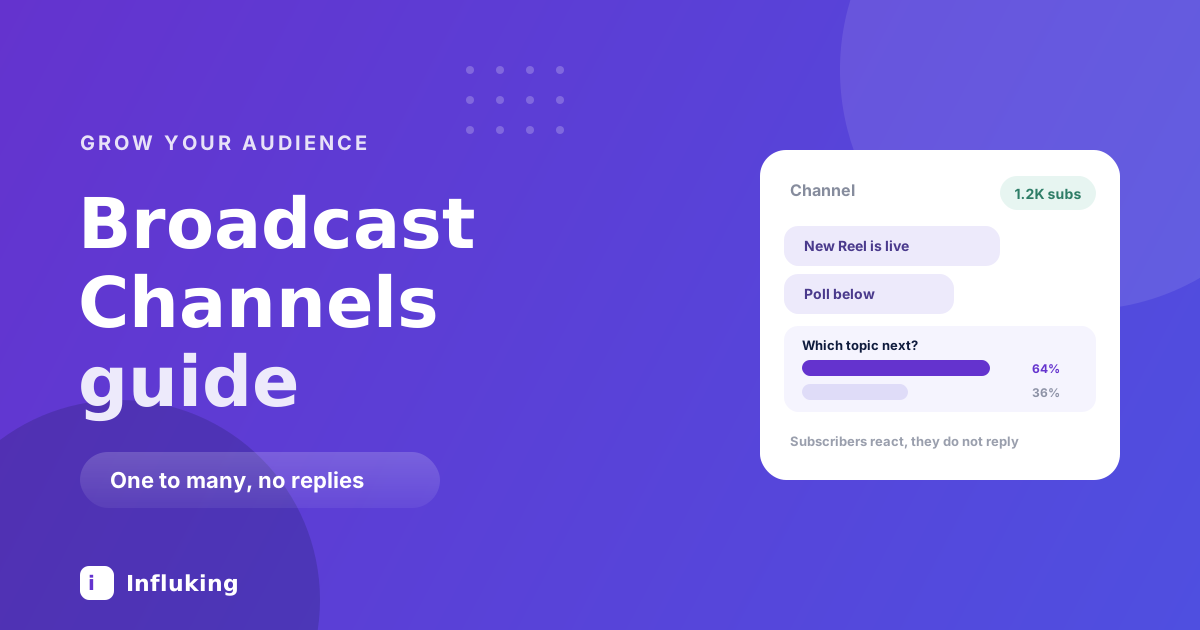
A Broadcast Channel is the closest thing Instagram has to a mailing list. You post, everyone who subscribed gets a notification, and nobody can reply in public. Subscribers can react with an emoji and vote in polls, and that is the whole interaction model.
That restriction is the point. A group chat with 2,000 people is unusable. A broadcast to 2,000 people is a channel.
What it is and is not
You create the channel from your Direct inbox, name it, and invite your followers. Anyone who joins gets a notification whenever you send something. They cannot post, cannot reply publicly, and cannot see each other's messages beyond reactions and poll results.
You can send text, photos, video, voice notes and polls. You can also add other creators as hosts if you want to run one together.
What it is not is a growth channel. Nobody discovers you through a Broadcast Channel. It reaches people who already follow you and cared enough to opt in, which makes it the deepest layer of your audience rather than the widest.
Who should start one
Not everyone should. The honest threshold is whether you have enough people who would notice if you disappeared.
Below a few thousand followers, a channel usually gets thirty subscribers and then a slow trickle of nothing, which feels worse than not having one. The exception is a small but intense audience: a coaching practice, a niche community, anyone whose followers already DM them regularly.
The better test is whether you have something recurring to send. If you cannot name what the channel is for in one sentence, it will be abandoned by week three.
Setting one up
- Open Direct, tap the new message icon, and choose to create a broadcast channel.
- Name it for what subscribers get, not for yourself. "Reel teardowns" beats "Priya's channel".
- Set who can join and how long the channel runs.
- Announce it once in Stories and once in a post, then mention it occasionally rather than constantly.
The name does most of the recruiting work. Someone deciding whether to accept a notification stream from you wants to know what will arrive, not whose it is.
What to actually send
The failure mode is using it as a second Stories feed. Subscribers opted into notifications, so anything that could have been a Story is a small betrayal of that.
- Things that arrive first. The post before it goes live, the decision you are weighing, the thing you learned this week. Early access is the easiest promise to keep.
- Polls that change what you do. "Which of these two should I make next?" is a real question with a visible consequence, and it is the highest-response format in a channel by a distance.
- Voice notes. Underused and unusually effective, because a voice message feels like being spoken to rather than published at.
- The unpolished version. The rough cut, the failed attempt, the thing you would not put on the grid.
- Genuinely useful short answers. One tip that stands alone, sent occasionally, keeps notifications welcome.
What to avoid: reposting your own grid content, sending anything daily, and using it purely to promote. Each of those trains people to mute the channel, and a muted subscriber is functionally gone.
How often
Two or three times a week is a good rhythm. Once a week is sustainable and fine. Daily is almost always too much, because every message is a notification and the mute button is one tap away.
The asymmetry matters here. A Story nobody watches costs you nothing. A channel message that annoys someone costs you a subscriber permanently, since people rarely rejoin.
Why most channels die
Three predictable causes.
The first is starting one with no purpose, which shows up as messages that read like filler within a fortnight. The second is treating it as an announcement pipe, so subscribers learn that opening it is never worth it. The third is silence, where the creator posts twice, gets a modest response, and quietly stops.
Silence is the most common. A channel with fifty engaged subscribers is doing its job, and judging it against your follower count is what makes people abandon something that was working.
Using polls properly
Polls are the main interaction subscribers have, so they carry more weight here than in Stories.
Ask about things you will actually act on, then report back on what you did. A poll followed by a message saying "you picked the second one, here it is" is the loop that makes people keep tapping. A poll that leads nowhere teaches them it was decoration.
They are also a fast way to fill a content bank, since asking a committed audience what they want next is the most direct research available.
What to measure
- Subscriber count over time. Slow growth is normal. A drop after a specific message tells you what not to send again.
- Reaction and poll response rate. The real health metric. Fifty reactions from 300 subscribers is a live channel.
- Whether it moves anything. Does a channel message produce views on the post, sign-ups, replies? If nothing downstream moves, the channel is a nice-to-have.
Where it fits
Broadcast Channels sit at the deep end of your audience alongside Notes and DMs. They do not grow an account, they make the people already there more committed, which matters commercially because engaged audiences are what brands pay for rather than raw follower counts.
The acquisition work still belongs to Reels and collab posts. Start a channel once you have people worth keeping, not as a way to get them.