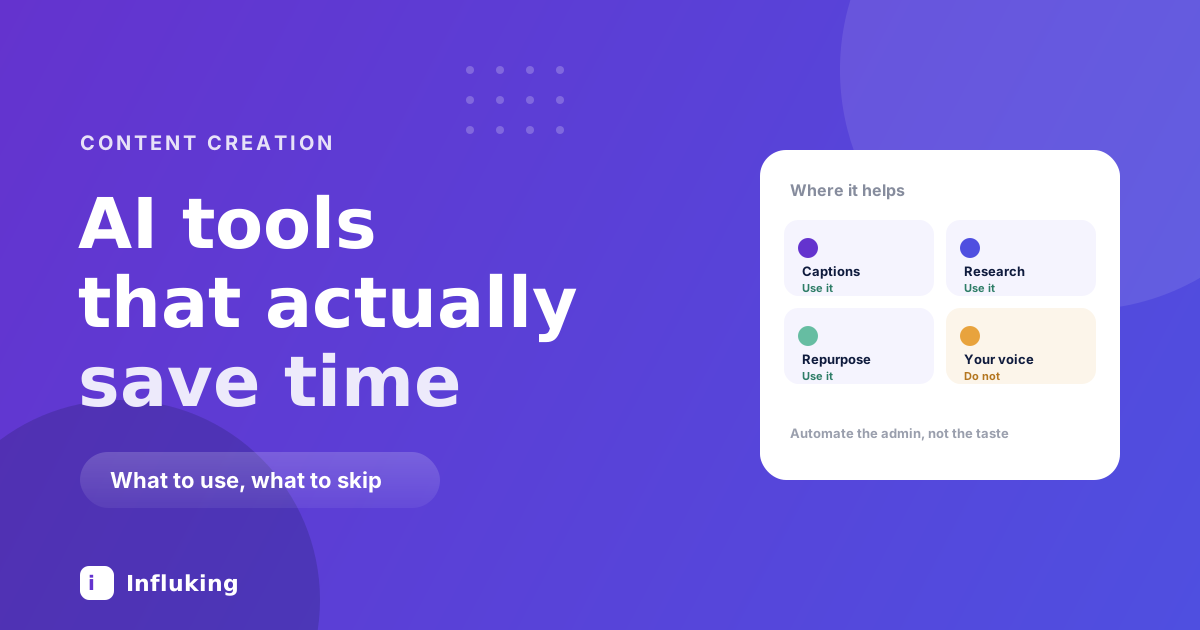
The useful question is not which AI tool is best. It is which parts of making content are worth handing over, because the answer is narrower than the marketing suggests and wider than most creators assume.
The short version: AI is good at the work around the content and bad at the content. Transcription, resizing, sorting, drafting a first version of something you will rewrite. It is bad at having a point of view, which is the thing anyone follows you for.
Where it genuinely saves time
- Captions and subtitles. Auto-generated on-screen captions are now accurate enough to need light correction rather than retyping. This is the single biggest time saving available, and burnt-in captions matter because most people watch on mute.
- Transcription. Turning a video into text gives you a caption draft, a carousel outline and a blog post from work you already did.
- Repurposing. Feeding a transcript back and asking for the five most quotable lines, or the structure as a carousel, works well because the thinking already exists and you are reformatting it.
- Research and structure. Getting the shape of an unfamiliar topic quickly, then verifying it. Fast orientation, not a source.
- Background removal and cleanup. Cutting yourself out of a messy room, removing an object, upscaling an old clip. Genuinely hard tasks that became one tap.
- Batch resizing. One design into six aspect ratios without redoing the layout, which makes cross-posting much less painful.
- Idea expansion. Not generating ideas from nothing, but taking one of yours and producing ten angles on it. The seed still has to be yours.
Where it costs you
Every one of these is a place where the output is plausible enough to publish and wrong enough to matter.
- Your voice. Generated captions read as generic because they are averaged from everything ever written. Audiences cannot always name what changed, but engagement falls.
- Opinions. A model will give you the balanced consensus. Balanced consensus is the least shareable thing you can post.
- Facts and numbers. Confidently wrong figures are the classic failure. Anything you state as fact needs checking against a source, especially statistics.
- Comment replies. Automated replies get spotted, and being spotted costs more trust than the time it saved.
- Whole scripts. A fully generated script has no specific detail in it, and specificity is what makes writing land, as covered in the storytelling framework.
- Your face and voice, cloned. Technically possible, and a fast way to lose an audience that thought it was watching a person.
The pattern worth learning
Use AI at the start and the end of a task, not in the middle.
At the start it is good for orientation: what are the common angles here, what am I missing, what does this transcript contain. At the end it is good for mechanical work: resize this, caption this, format this, check this for typos.
The middle is where you decide what you actually think, which detail to include, and which line to open on. Hand that over and the output becomes indistinguishable from everyone else's, which is precisely the problem when the whole point of a creator account is that it is yours.
Prompting in a way that produces something usable
Most disappointing output comes from asking for the final thing directly.
- Give it your material. Paste your transcript, your notes, your previous captions. Working from your input produces something in your register. Asking from nothing produces the average of the internet.
- Ask for options, not an answer. Ten hook variations to choose from beats one hook to accept. You are the filter.
- Say who it is for. "For someone who has run a small salon for five years and is sceptical of social media" produces something specific.
- Give it a bad example. Saying what you do not want works better than adjectives about what you do.
- Then rewrite it. Treat every output as a draft you will change. The version you publish should have your fingerprints on it.
Disclosure and platform rules
Platforms increasingly require AI-generated or significantly AI-edited content to be labelled, and they apply automatic labels when they detect it. The rules keep changing, so check the current policy rather than trusting a blog post, including this one.
Two practical points that are unlikely to change. Undisclosed synthetic content involving real people is a genuine risk, not a grey area. And brands increasingly ask about AI use in contracts, so know what you did before you sign something saying you did not.
What not to buy
The tooling market moves fast and most of it will not exist in two years. A few things are consistently true.
- Do not pay for what your editor already does. Auto-captions, background removal and basic upscaling are built into the free tools most creators already use, which the CapCut guide covers.
- Do not subscribe to more than two. Tool sprawl is a way of feeling productive without publishing.
- Be wary of anything promising growth. Automated commenting and DM blasting are the same tactics that damage accounts, dressed up.
- Avoid anything that posts for you unattended. The time saved is small and the reputational downside is not.
A realistic weekly workflow
- Pick an idea from your own bank. This part stays human.
- Ask for ten angles on it, then choose one and rewrite it in your own words.
- Film and edit as normal.
- Auto-caption, then read the captions and fix the words it got wrong. It always gets your niche vocabulary wrong.
- Transcribe, then use the transcript to draft a caption and a carousel outline.
- Batch resize for other platforms.
- Check any fact or figure against a real source before publishing.
That saves a few hours a week and leaves the judgement where it belongs. The ideas still have to come from you, which the content bank approach handles better than any tool.
The creators who are struggling right now are not the ones ignoring AI. They are the ones who used it for the part that made them worth following, and now sound like everyone else.