This is the execution half of the problem. If you need the formulas, the benchmark bands by follower tier, or what brands check when they run your handle through a tool, that is all in the engagement rate guide. This post assumes you already know your number and want it to go up.
Fair warning before the tactics. The rate moves for two reasons and only one of them is fun.
Two ways the number moves
You can add interactions, or you can stop adding followers who never interact. Most advice covers the first and ignores the second, which is why people follow it for three months and watch the rate stay flat.
If you grew fast on one viral post, or ran a giveaway, or chased a trend outside your subject, you are carrying a lot of dead weight in the denominator. Nothing you do to your content fixes that quickly. It sorts itself out over a few months as those accounts drift away and engaged followers replace them, but only if you stop adding more of them. That means no more off-topic trend posts, however well they perform.
Everything below is about the first lever. Just know that if you are pouring uninterested followers in at the top, you are working against yourself.
Design for saves
Saves are the interaction you can most reliably engineer, because the trigger is simple: the viewer thinks they will need this later.
That means specificity. "Five tips for better sleep" is not saveable, because nothing in it needs retrieving. "The 90-minute rule for setting your alarm, with the maths" is, because there is a detail worth coming back for.
- Include a number people cannot hold in their head. Ratios, settings, temperatures, prices, timings. A post with one precise fact in it gets saved for that fact.
- Make it a reference, not an opinion. Checklists, comparison tables, step sequences, scripts to copy. Anything shaped like a document.
- Put the saveable part on screen. If the useful detail is only spoken, there is nothing to come back to. Show it as text.
- Carousels outperform Reels here. A Reel gets watched. A carousel gets saved, because slide six is the bit they wanted and they cannot scrub to it later.
Design for shares
A share means someone sent your post to a specific person. That only happens when the post says something the sender wanted to say themselves.
Three things reliably trigger it. Something that names a shared frustration precisely enough that it feels personal. Something genuinely useful to a person the viewer has in mind. And something that settles an argument they have actually had.
The test before you post: can you picture the message someone types when they send this? If it is "lol this is you", you have a shareable post. If you cannot imagine any accompanying message, it will get likes and nothing else.
Shares push distribution harder than any other interaction, so a post built for sending does double duty. Our viral Reels guide covers the who-sends-this-to-whom question in more depth.
Get comments that are not one word
"Thoughts?" and "agree?" get emoji. The problem is that answering costs effort and the question offers nothing back.
- Ask about them, not about your content. "What is your commute?" outperforms "what do you think of this tip?" because everyone can answer instantly without judging themselves.
- Make it a choice, not an essay. "A or B?" gets ten times the replies of an open question, and the people who pick a side often explain why unprompted.
- Ask something mildly contentious. Not rage bait. A real disagreement inside your niche where reasonable people land differently.
- Leave a gap. Deliberately not covering one obvious case makes people fill it in for you, which is a comment they wanted to write.
Where you ask matters as much as what. A question in the last line of the caption gets missed, since most people never expand it. Say it out loud at the end of the Reel and put it on the final frame. The caption guide covers the truncation point and what has to sit above it.
The first hour
Early interactions carry more weight, and the window is when you have most control.
Reply to every comment properly. Not an emoji, a sentence that gives them something to reply to, because a reply to your reply counts again and the thread reads as a real conversation to anyone scrolling past. Ten comments that became ten threads is thirty interactions.
Post when you can actually be there for an hour. This is the one real argument for posting time, and it beats any chart of universal best hours.
The Stories lever nobody uses
Story interactions count. Poll taps, quiz answers, question-sticker replies, emoji sliders and DM replies to a Story all register as engagement, and Stories reach the people most likely to respond.
Two polls a day is thirty-plus interactions from an audience that was going to watch anyway. It costs a minute. Most creators post Stories as broadcast and never add a sticker, which leaves the easiest interactions on the table.
Reply to Story DMs in a real conversation rather than with a heart. Those replies pull the person into the group Instagram considers your close audience, which affects whether they see your next post at all.
Stop diluting the average
Your rate is an average, so a weak post drags it down twice: directly, and by teaching Instagram to show your next one to fewer people.
Filler is usually posted out of obligation on a day with nothing prepared. The fix is upstream: a content bank with thirty ideas in it means the bad-week post is still something you chose.
Three strong posts a week beats six where two are padding, both for the rate and for how much work you are doing.
Test one thing at a time
Most creators change format, hook style, caption length and posting time in the same week, then cannot say what worked.
- Pick one variable. Carousel against Reel, or question-in-video against question-in-caption.
- Run it across five posts. Fewer than that and one outlier decides the result.
- Compare medians, not averages, and measure on reach rather than followers.
- Give each post a full week before counting, since Reels keep accumulating for days.
- Keep the winner, then test the next thing.
Five posts per test at four posts a week is roughly ten days per experiment. Three tests a quarter is a genuinely different account by the end of the year.
A 30-day plan
- Week one. Calculate your current rate on reach for your last fifteen posts and write down the median. This is your baseline and you will want it later. Fill the content bank to thirty ideas.
- Week two. Make every post saveable. One precise detail per post, on screen. Add two Story polls a day. Do nothing else differently.
- Week three. Add the question layer. Spoken at the end of the video, repeated on the last frame, answered properly by you within the hour.
- Week four. Recalculate the median and compare. Then look at your top three posts of the month and work out what they had in common, because that is your format for the next quarter.
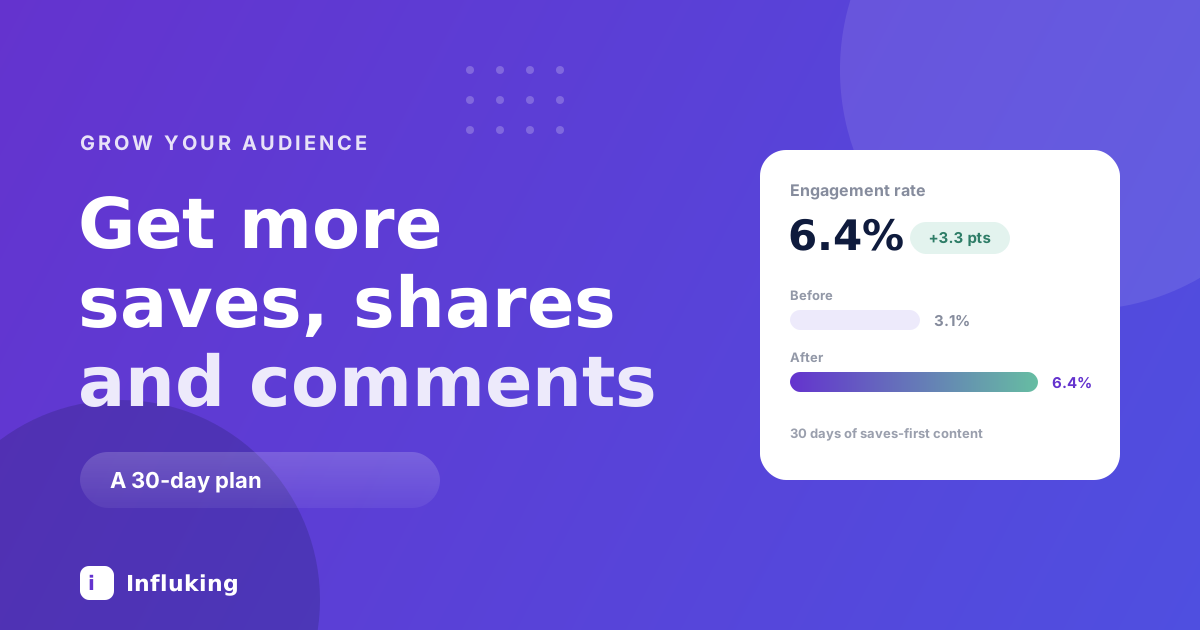
A point or two of movement in a month is a good result. If nothing moved at all, the problem is upstream of engagement: either people are not staying past the first second, or reach itself is suppressed, which has its own list of causes.
The shortcuts still do not work
Pods, comment-bait giveaways and bought interactions all raise the raw count while lowering the rate that count is divided by, and the patterns they leave are exactly what brand-side tools look for. Engagement bait in the caption is demoted by policy rather than by accident.
The reason this matters commercially is that the rate is the number a brand checks before anything else. Real interactions from people who chose your subject are the thing being bought, which is why Influking pulls the figures from a connected account rather than a screenshot.