The useful question is not which tool is best. It is which parts of the work are worth handing over, and the honest answer is narrower than the marketing suggests and wider than most creators assume.
The pattern that holds across every stage: AI is good at the work around the content and bad at the content. AI tools for creators covers the tool-level detail. This maps it across the whole workflow.
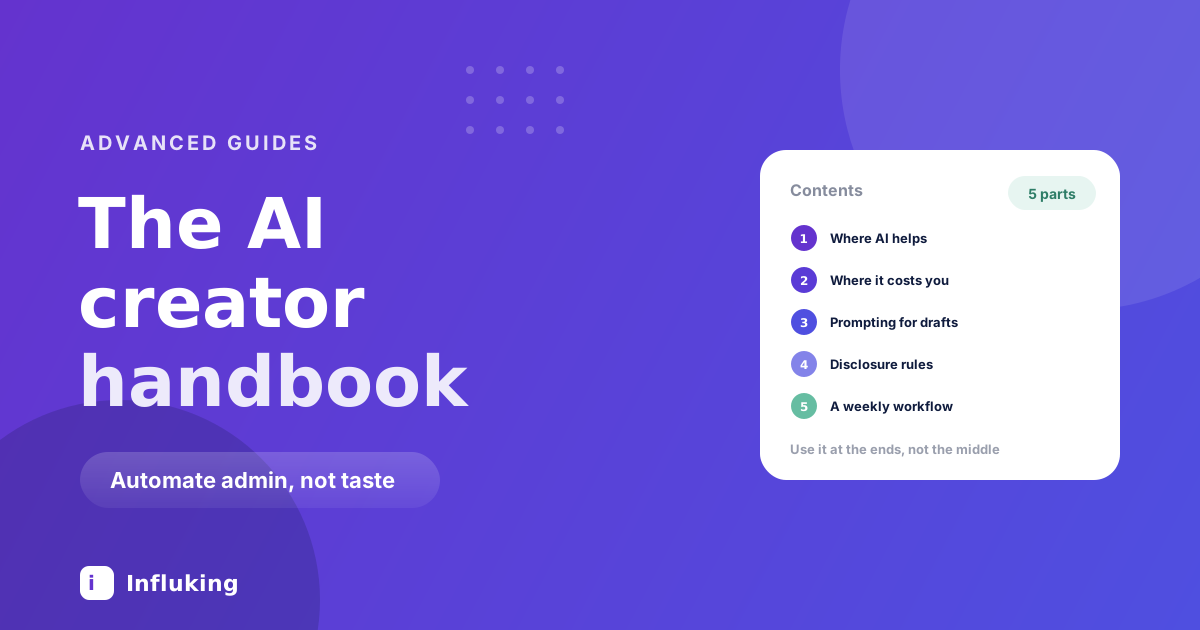
The principle: use it at the ends, not the middle
At the start of a task it is good for orientation. What are the common angles here, what am I missing, what does this transcript contain.
At the end it is good for mechanical work. Resize this, caption this, format this, check this.
The middle is where you decide what you actually think, which detail to include, and which line to open on. Hand that over and the output becomes indistinguishable from everyone else's, which is fatal for an account whose entire value is that it is yours.
Stage by stage
Ideas. Useful for expanding one of your ideas into ten angles. Not useful for generating from nothing, which produces the average of the internet. The seed stays yours, and the content bank is where seeds come from.
Research. Fast orientation on an unfamiliar topic, then verify independently. Treat it as a starting point rather than a source, particularly for statistics, where confidently wrong figures are the classic failure.
Scripts and hooks. Ask for ten hook variants to choose between rather than one to accept. You are the filter. A fully generated script contains no specific detail, and specificity is what makes writing land, per the storytelling framework.
Filming. Nothing to automate here, which is worth noticing.
Editing. The biggest genuine saving. Auto-captions, background removal, upscaling and silence trimming are built into tools you already use, per the CapCut guide. Always read auto-captions before publishing, since they reliably mistake niche vocabulary.
Repurposing. Strong. A transcript becomes a caption draft, a carousel outline and a blog post from work you already did.
Cross-posting. Batch resizing one design into several aspect ratios saves real time, per cross-posting strategies.
Business admin. Drafting a pitch, tidying an invoice description, summarising a contract to spot clauses worth reading. Useful, with the caveat that a summary is not a review, and contracts need actual reading.
Community. Do not automate. Generated replies get spotted, and being spotted costs more trust than the time saved.
Where it costs you
- Your voice. Generated captions read as generic because they average everything ever written. Audiences register the flatness without naming it, and engagement falls.
- Opinions. Models produce balanced consensus, which is the least shareable thing you can post.
- Facts and figures. Anything stated as fact needs checking against a real source.
- Your face and voice, cloned. Technically possible and a fast way to lose an audience that thought it was watching a person.
- Judgement about what to make. The one decision that compounds.
Prompting for something usable
Most disappointing output comes from asking for the finished thing directly.
- Give it your material. Your transcript, your notes, your previous captions. Working from your input produces something in your register.
- Ask for options, not an answer. Ten to choose from beats one to accept.
- Describe the reader precisely. "Someone who has run a small salon for five years and is sceptical of social media" produces something specific.
- Show it what you do not want. A bad example works better than adjectives about a good one.
- Rewrite the output. Every time. The published version should have your fingerprints on it.
Disclosure, honestly
Platforms increasingly require AI-generated or significantly AI-edited content to be labelled and apply automatic labels when they detect it. The rules keep changing, so check the current policy rather than trusting any guide, including this one.
Two things unlikely to change. Undisclosed synthetic content involving real people is a genuine risk rather than a grey area. And brands increasingly ask about AI use in contracts, so know what you did before signing something saying you did not, per negotiating with brands.
What not to buy
Most of this tooling market will not exist in two years. Do not pay for what your editor already does, since auto-captions, background removal and basic upscaling are free in the tools most creators use. Do not subscribe to more than two, because tool sprawl is a way of feeling productive without publishing. And be wary of anything promising growth, since automated commenting and DM blasting are the same tactics that get accounts limited, as covered in mistakes that kill reach.
A weekly workflow
- Pick an idea from your own bank. Human.
- Expand it into ten angles, choose one, rewrite it in your words.
- Film and edit as normal.
- Auto-caption, then read every line and fix the errors.
- Transcribe, then draft a caption and a carousel outline from the transcript.
- Batch resize for other platforms.
- Verify any fact or figure against a real source before publishing.
A few hours saved a week, with judgement left where it belongs.
The competitive position
When everyone has the same tools, the output converges, which means the things that cannot be generated become worth more: a specific point of view, first-hand experience, a real result you can show, and a person an audience recognises.
The creators struggling now are not the ones ignoring AI. They are the ones who used it for the part that made them worth following, and now sound like everyone else. Use it to remove the admin so you have more time for the part that cannot be automated.